
P.H. Portaal
LiveA backoffice dashboard and an employee hub for a Dutch cleaning company, one system behind one login. The office prepares jobs and finishes work orders, employees clock in, take on jobs and submit work orders from their phone.
- Client
- P.H. Schoonmaak
- Year
- 2026
- Services
- Web Applications
- Status
- Live
- portals behind one login
- 2
- from first version to the full system
- 3 weeks
- to a payroll-ready monthly report
- 1 click
The challenge
P.H. Schoonmaak is a Dutch cleaning company with crews working at client locations across the region. Their administration had grown the way it does at most growing companies. Hours were clocked in a separate paid app and copied into an Excel sheet by hand every month for the payroll office. Jobs and work orders lived on paper or in loose messages, and office to-dos travelled by e-mail and WhatsApp. Every hand-off between the office and the field was a chance for hours, details or invoices to slip through the cracks.
What we built
Not one app, but two portals on one system, in the company's own house style. The office works in a backoffice dashboard on a laptop, and field staff use an employee hub on their phone, installed like any other app. Everyone logs in at the same address and lands in the right portal automatically, based on their role.
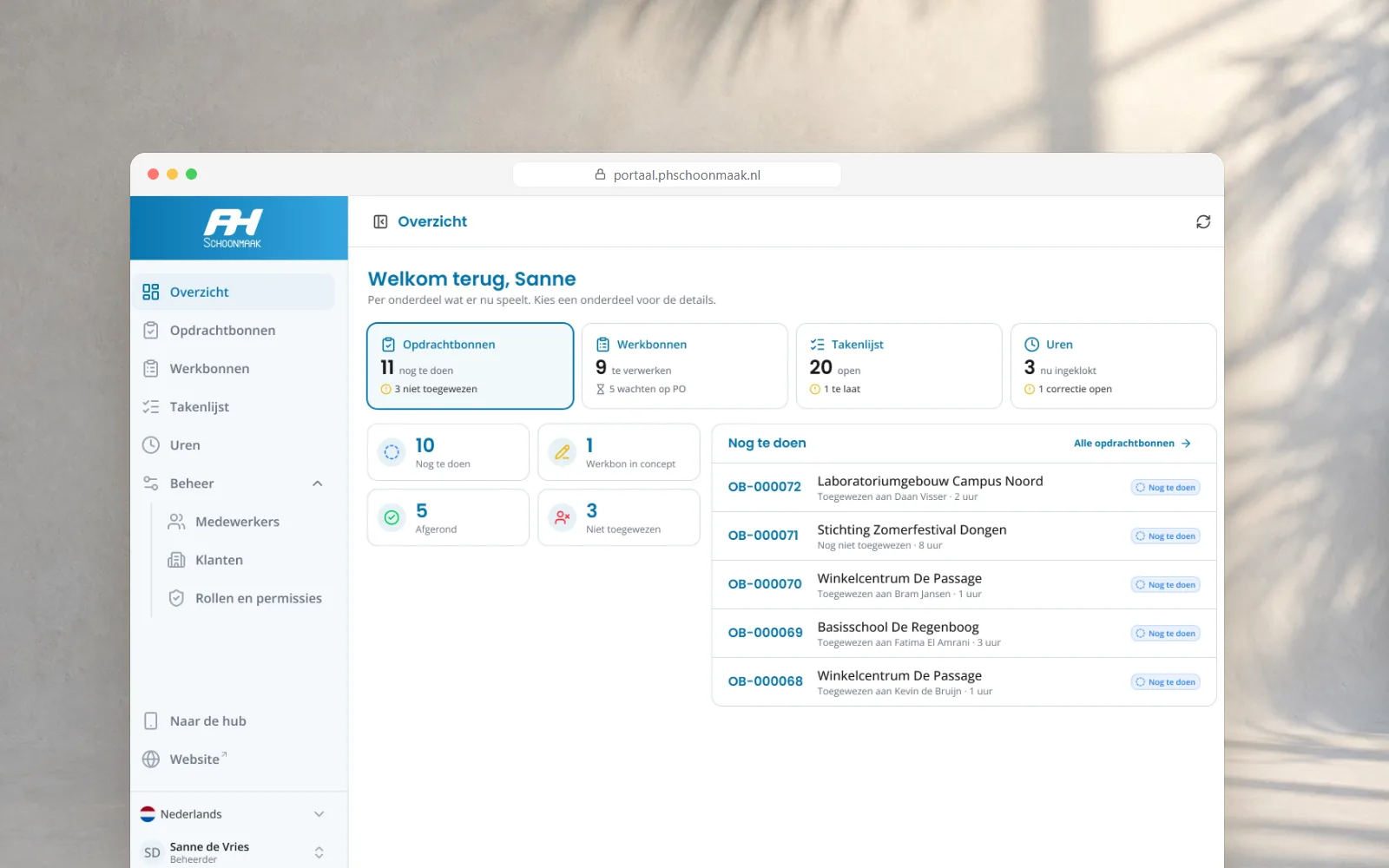
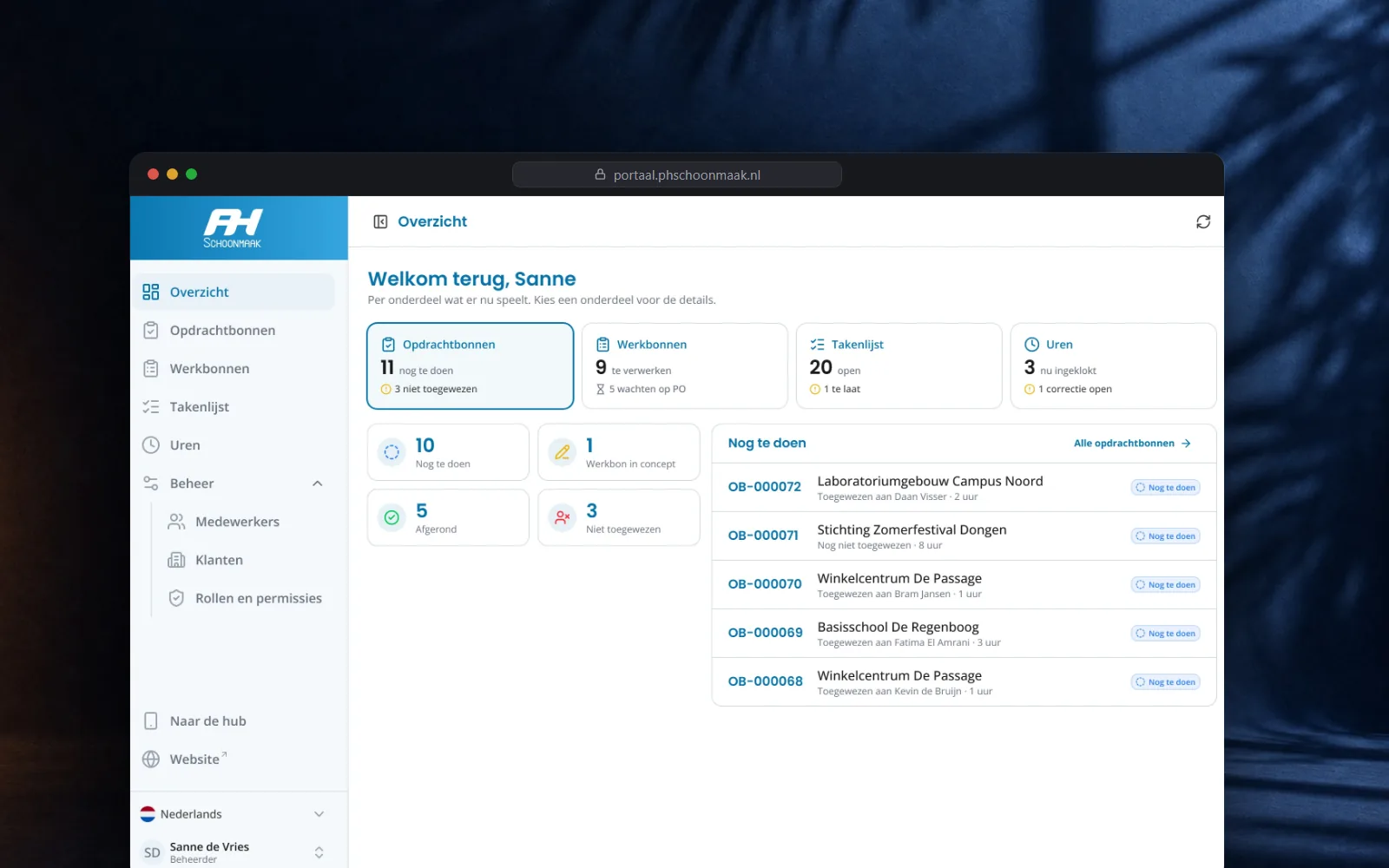
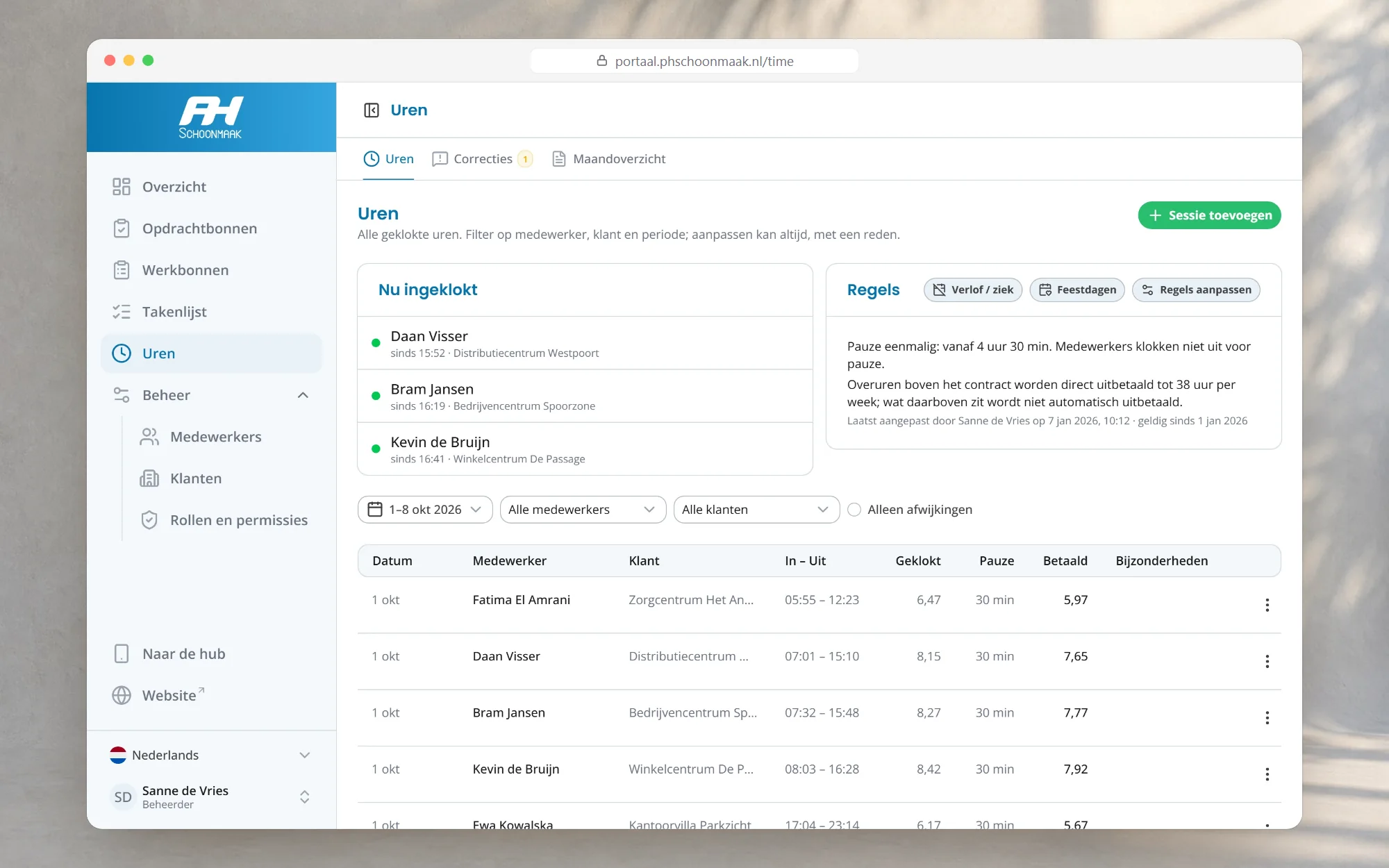
Where work is prepared, followed and finished. The overview shows per part of the business what needs attention today.
- Jobs prepared for an employee, with client, address, what to do, a planned time and the client's PO number
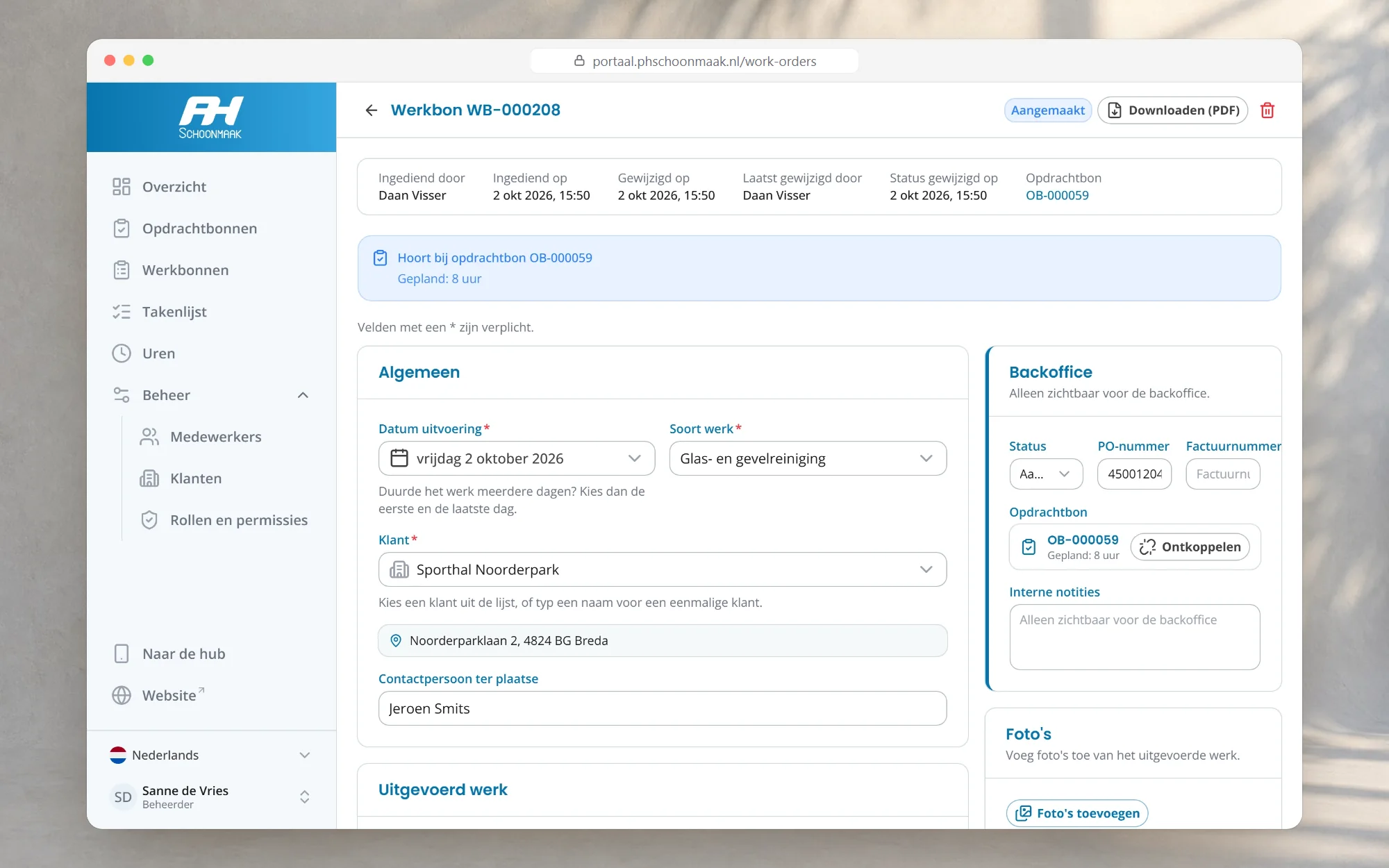
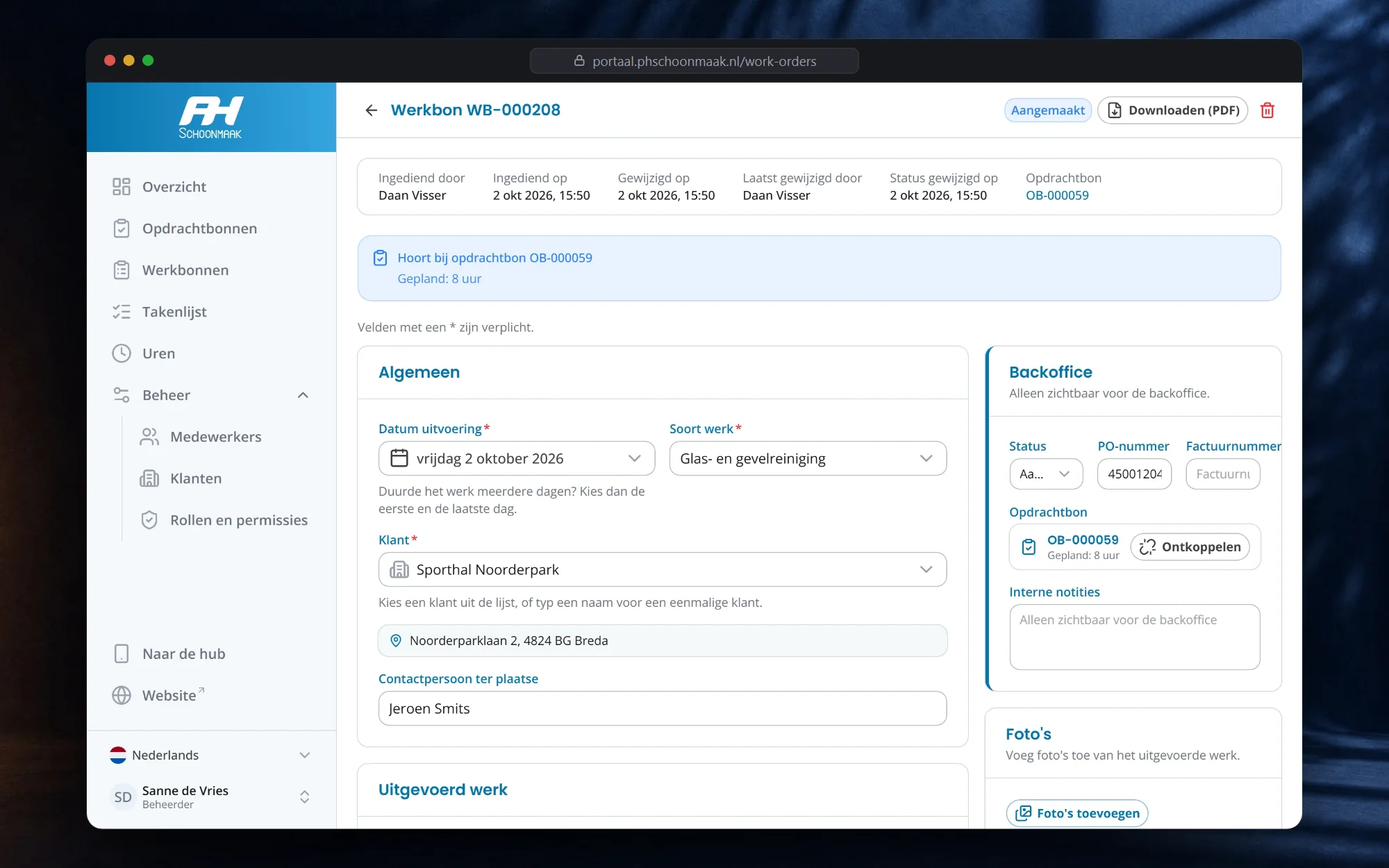
- Work orders to check, mark as PO requested or invoiced, and download as a branded PDF
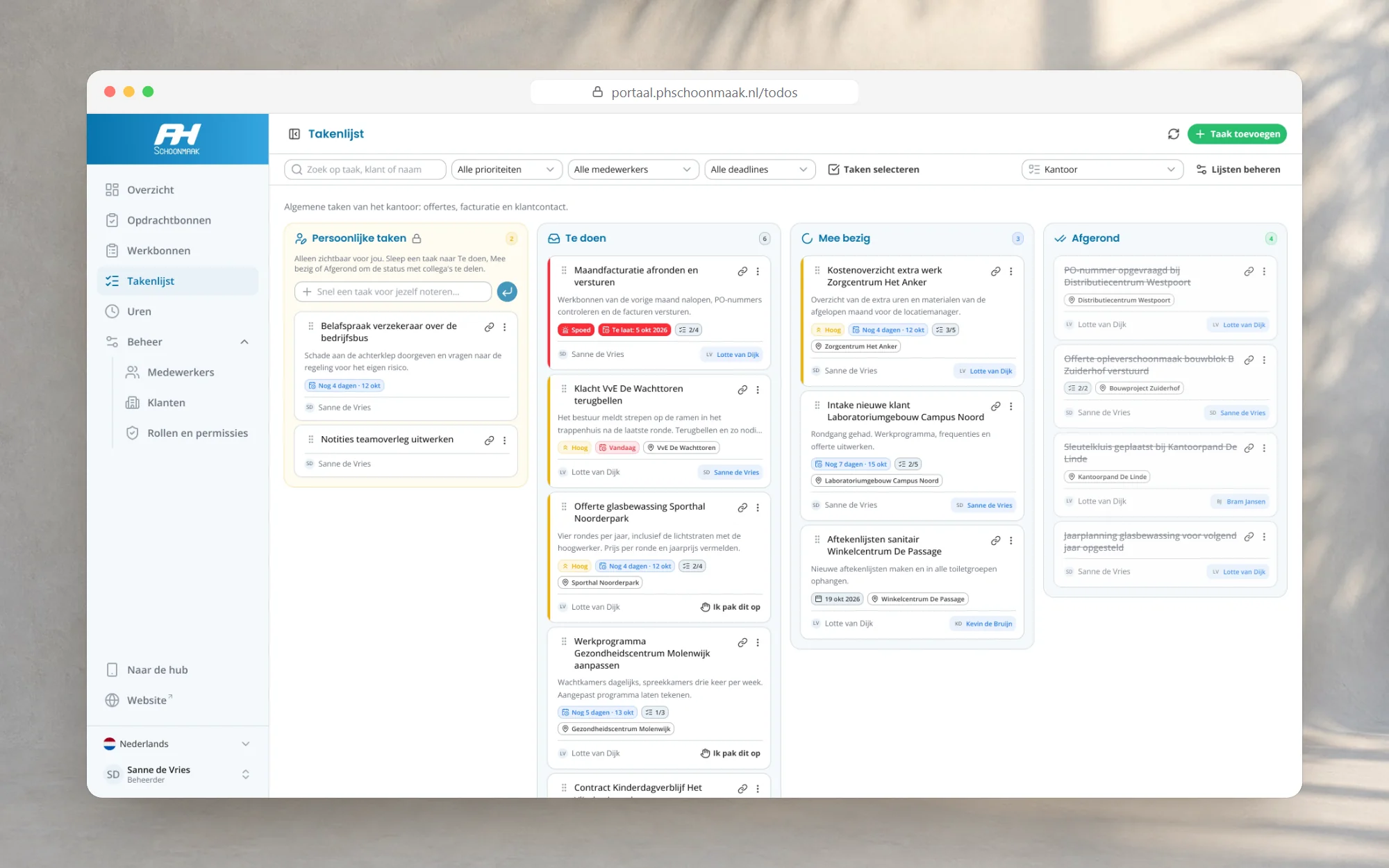
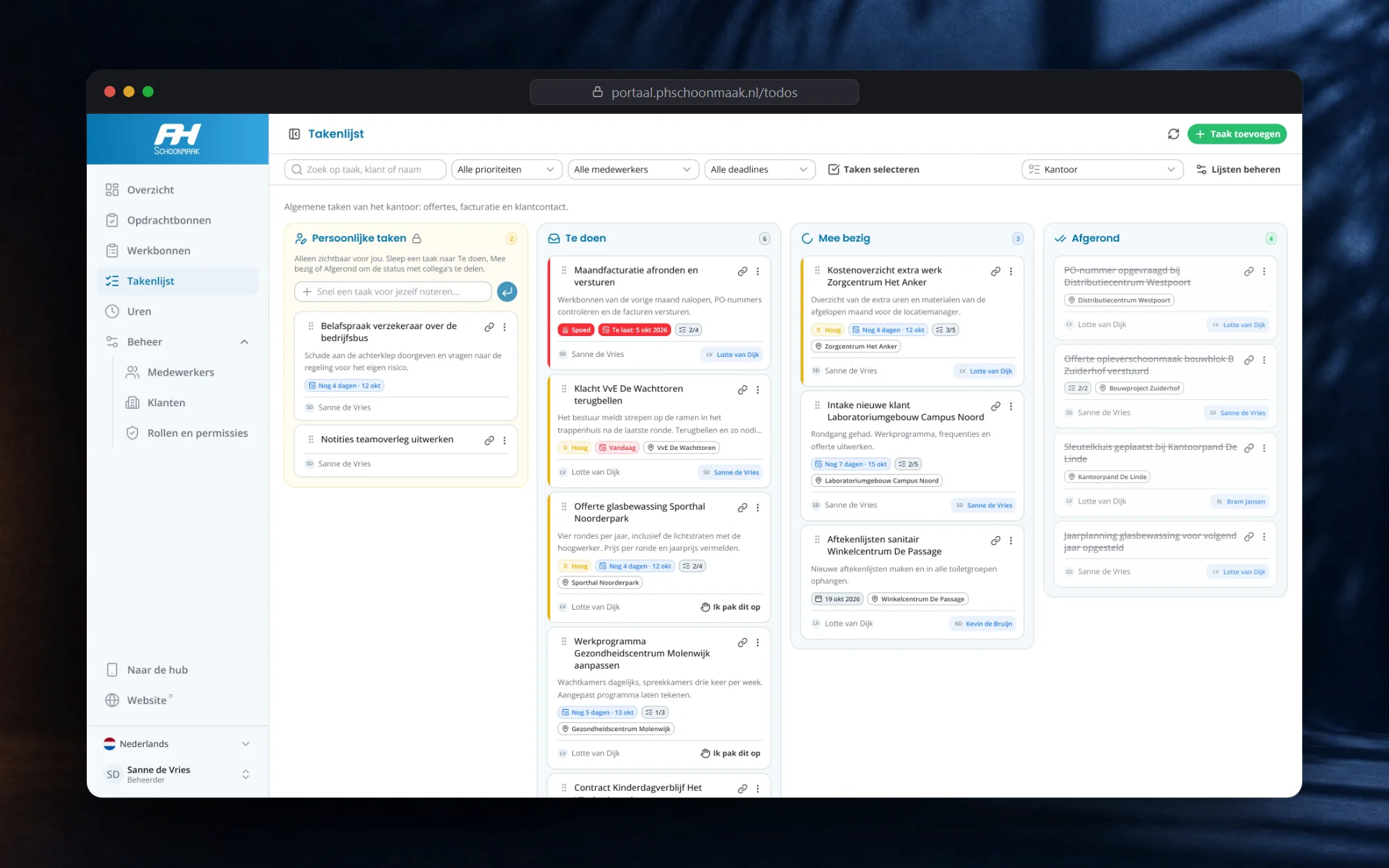
- Kanban task boards per department or project
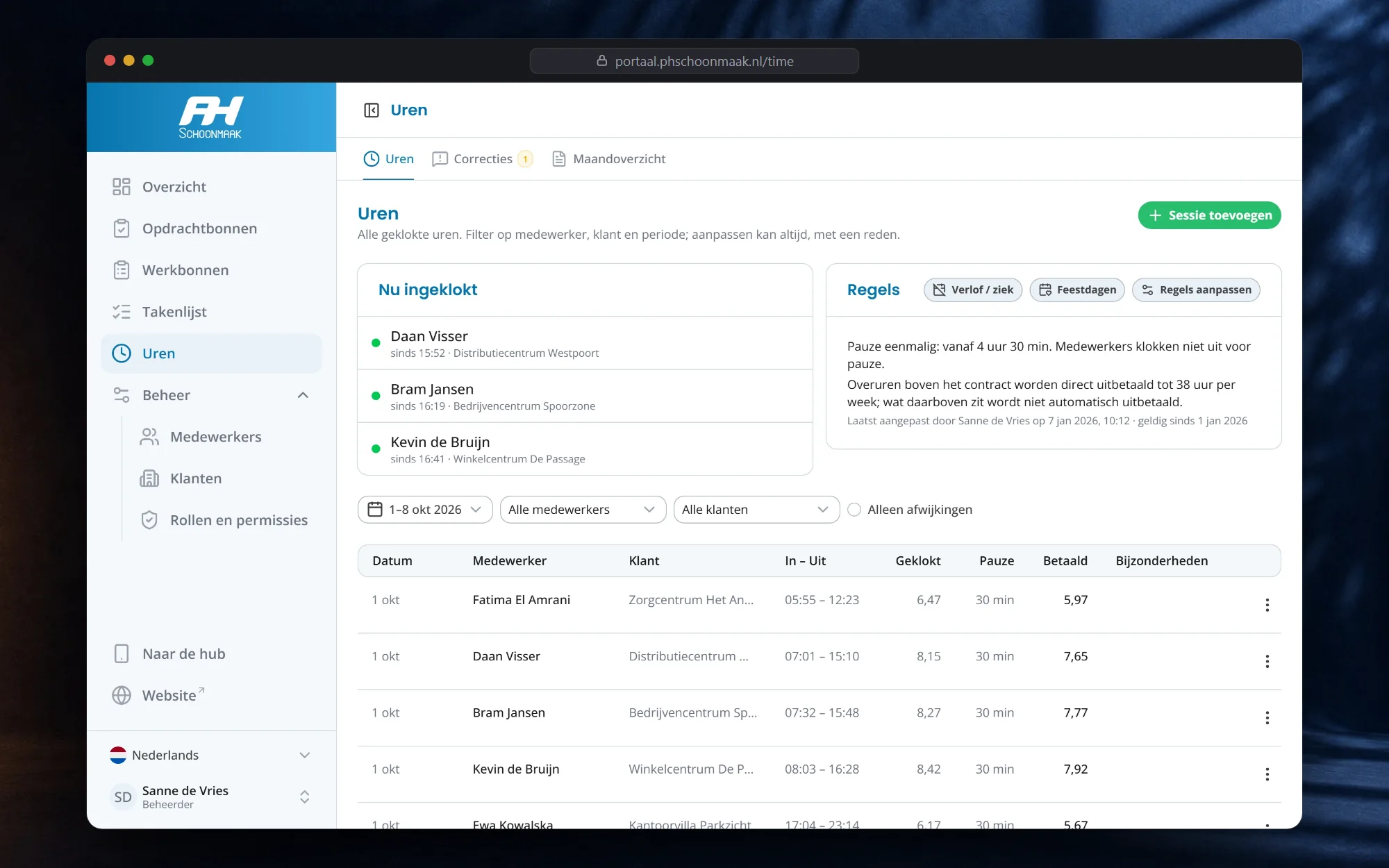
- Hours, corrections, leave, holidays and the monthly payroll report
- Employees, clients and roles with 14 permissions, managed by the owner
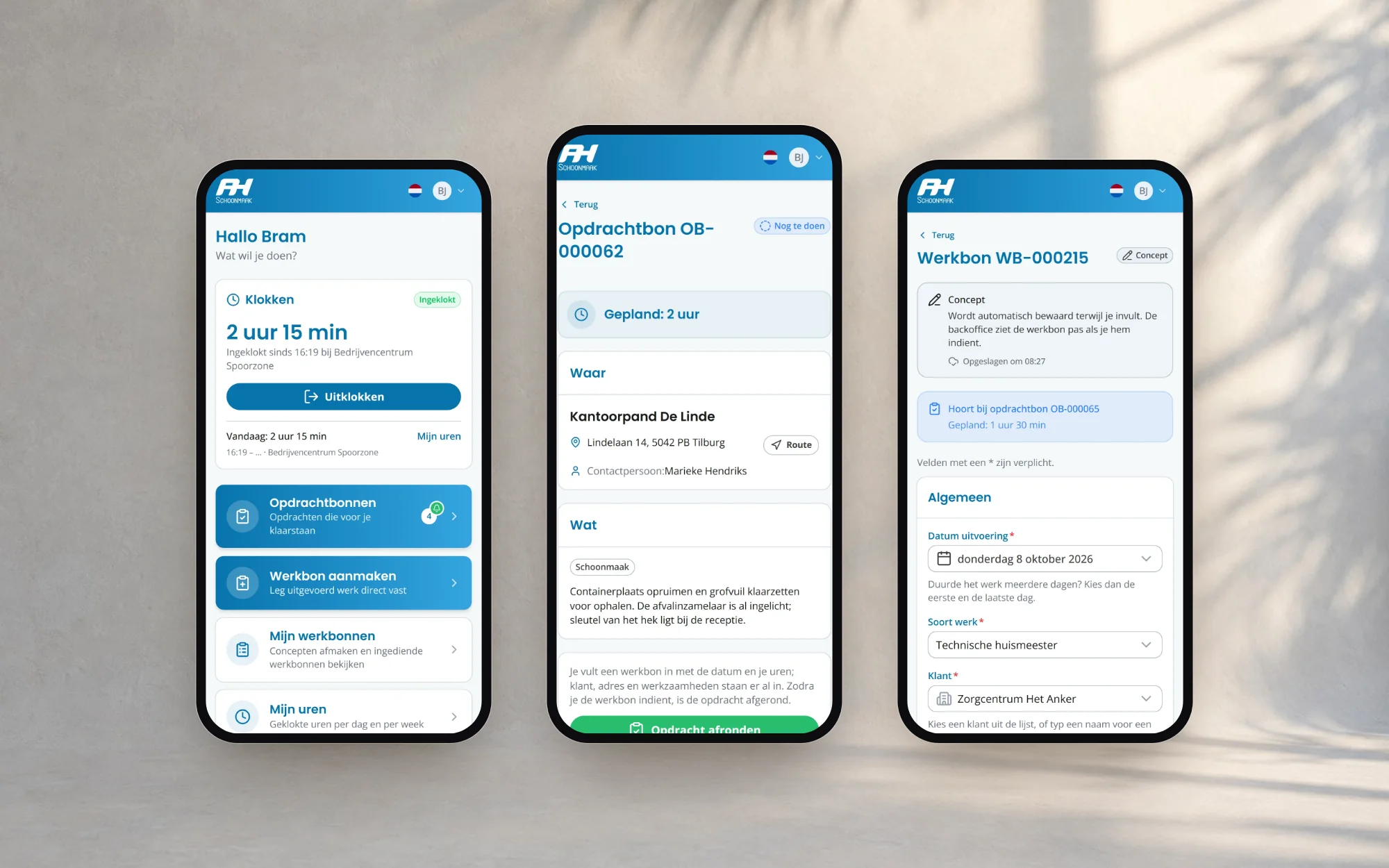
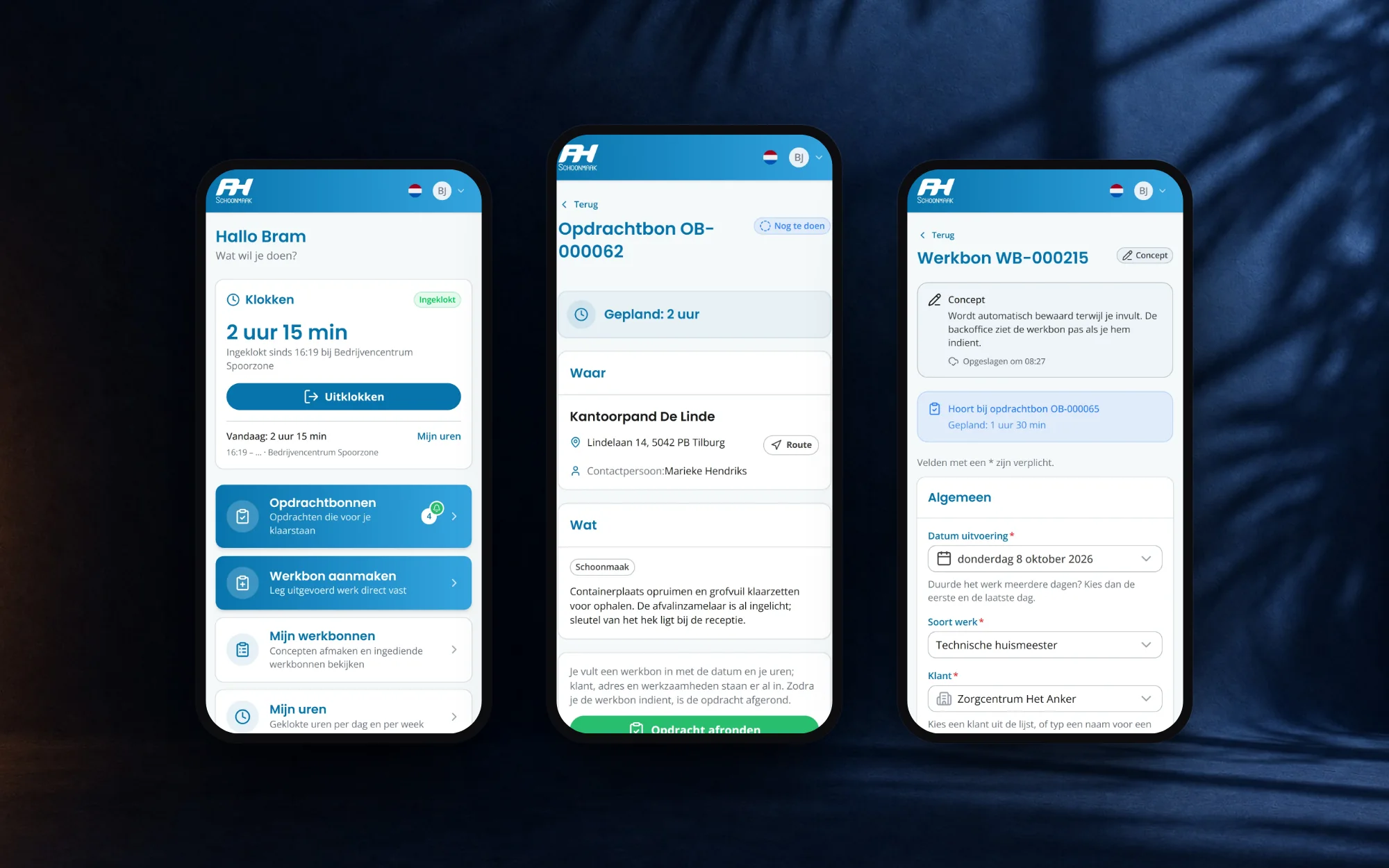
Everything an employee needs on site, one tap away, in an app that installs on the home screen.
- Clock in and out, checked against the client's location where the role requires it
- Jobs waiting for you, with directions to the address
- Work orders with hours, photos, materials and the client's signature
- Your own work orders and hours per day and week, with correction requests
- Manuals for the work, readable and downloadable on the spot
One system: what the office prepares shows up in the hub, and what employees submit lands in the backoffice.
How a job moves between the two portals
The heart of the system is the hand-off between the office and the field. A job never travels by e-mail or WhatsApp again.
- 1Backoffice
The office prepares a job
A new job with the client, address, contact person, what needs doing, a planned time and, when the client works with them, a PO number. It is assigned to one employee.
- 2Employee hub
The employee sees it waiting
The job appears in their hub, with a counter on the home screen. One tap shows the address with directions, the contact person and the planned time.
- 3Employee hub
They take it on and do the work
Complete job opens a work order that is already filled in with everything the office entered. The employee adds hours per person, photos, materials and, when the client wants it, a signature on screen.
- 4Employee hub
The work order is submitted
Drafts save as they type. On submit, the job is marked completed by itself and the work order lands in the backoffice.
- 5Backoffice
The office finishes it
The office checks the hours, marks the work order as PO requested while it waits for the client's PO, then as invoiced with the invoice number, and downloads a branded PDF for the client.
Statuses keep both sides in step. The office always sees which jobs are still to do, in draft or completed, and which work orders are waiting to be processed, for a PO or for an invoice.
Task boards per department
Office work that used to travel by e-mail and WhatsApp now sits on kanban boards, one for every department or project. Tasks move from To do to In progress to Done by dragging. Each card can carry a priority with a coloured stripe for anything urgent, a countdown to its deadline, checklists, photos and a link to the client. Anyone can pick a task up with one tap, so it is always clear who is on it, and a private column holds notes from a meeting until they are ready to share.
Hours and payroll without spreadsheets
Built for the whole team
Around those modules sit the things a team needs every day: manuals written in the portal itself with a PDF download per guide, a client list where every address is located automatically through PDOK, the Dutch government's public address service, and roles the owner manages without calling a developer. When someone is deactivated, they are logged out everywhere at once. The whole portal is multilingual, so every employee can use it in the language they read best.
The result
The first version went live on the company's own domain within days. Three weeks later the backoffice and the employee hub covered jobs, work orders, task boards, clocking in, payroll and manuals, replacing a paid clock-in app, a monthly spreadsheet routine and a stream of loose messages. SolwareX keeps developing it as the company grows, and that is the kind of software we like to build most: made for one business, with a portal for every part of the team, and used every working day.
Need something in this direction?
Tell us about your project and you get a reply within 24-48 hours, with a fixed quote after a short intake.
 Web ApplicationHyblanceHybrid work planning for growing companies