
One Studios Docs
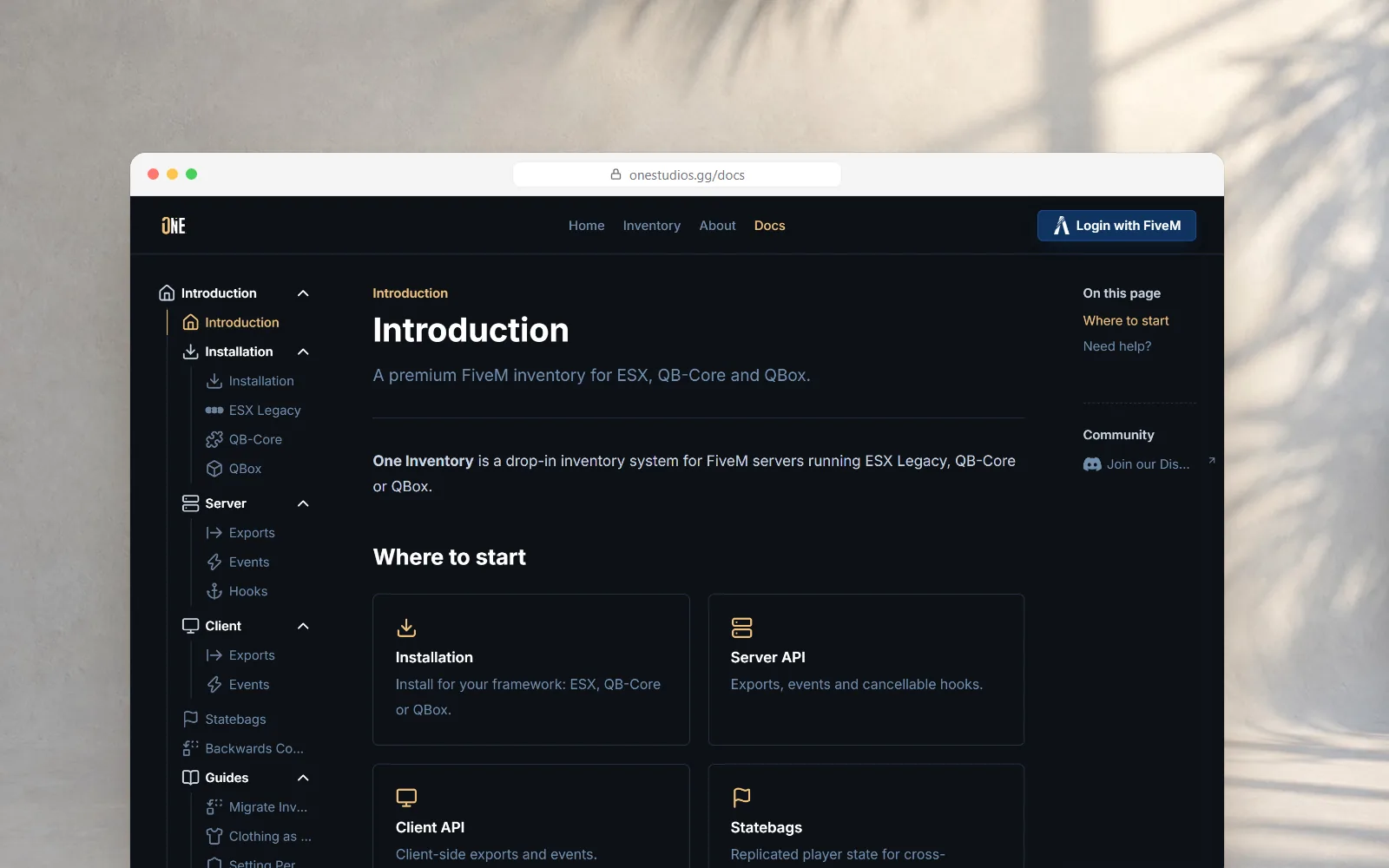
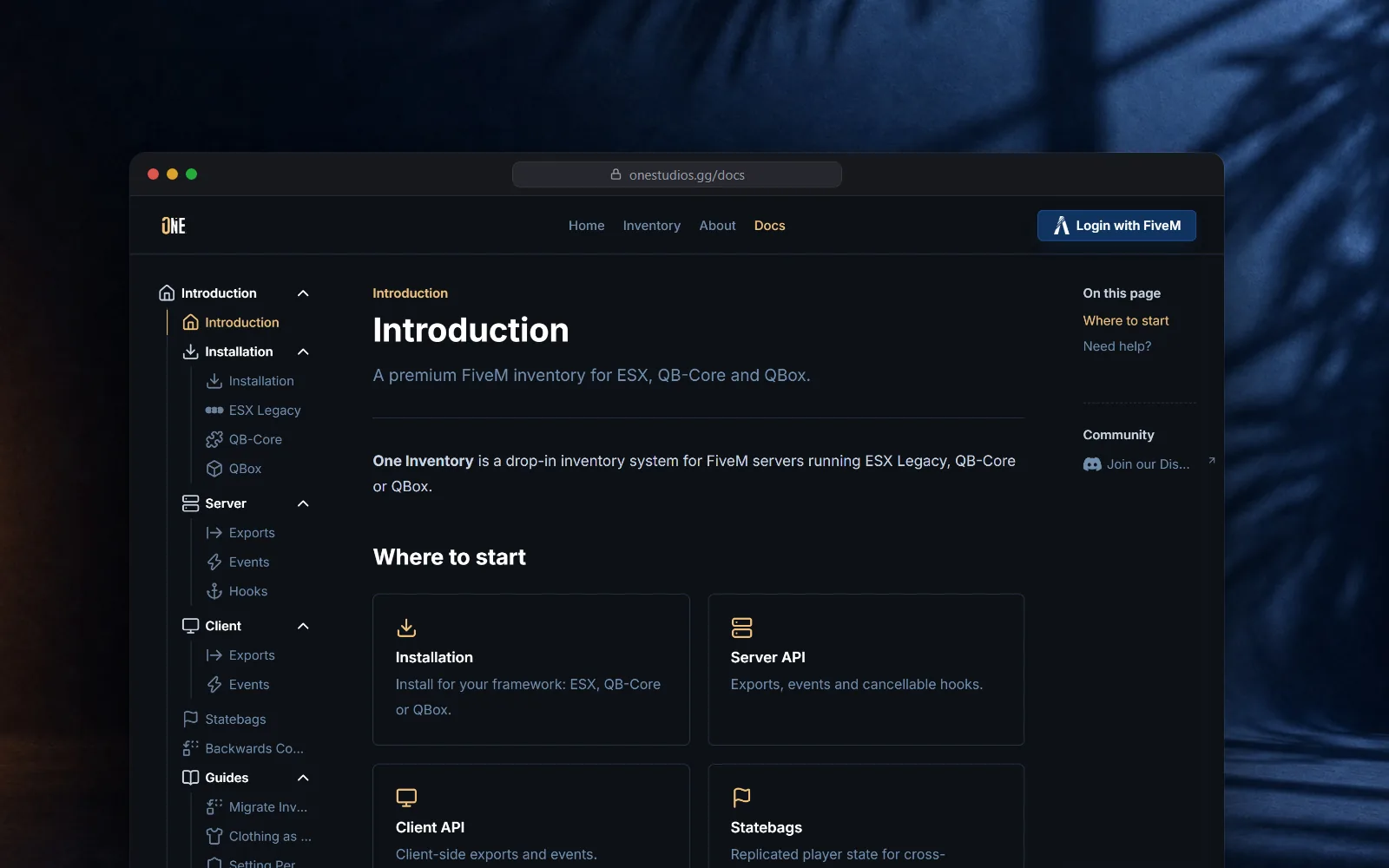
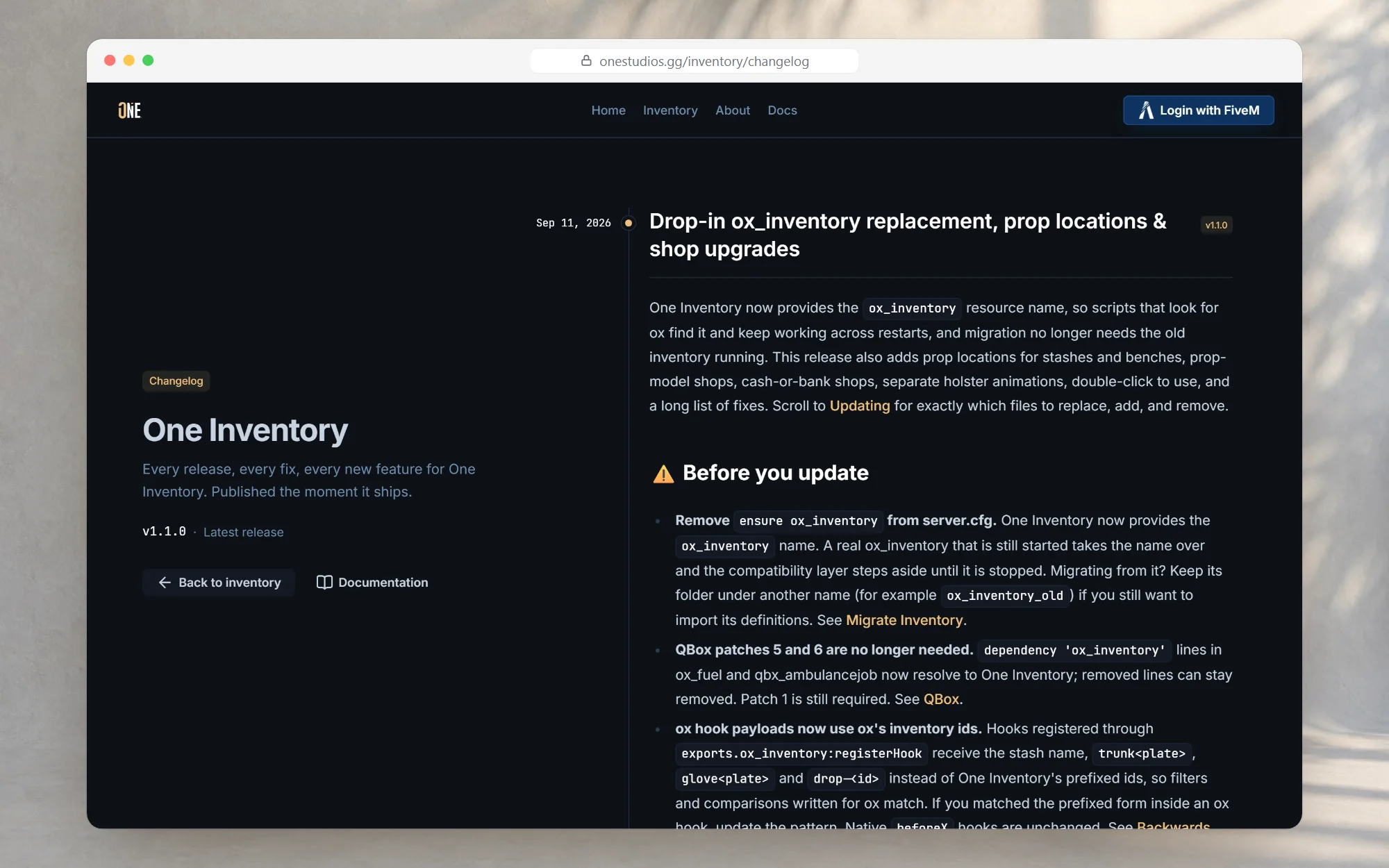
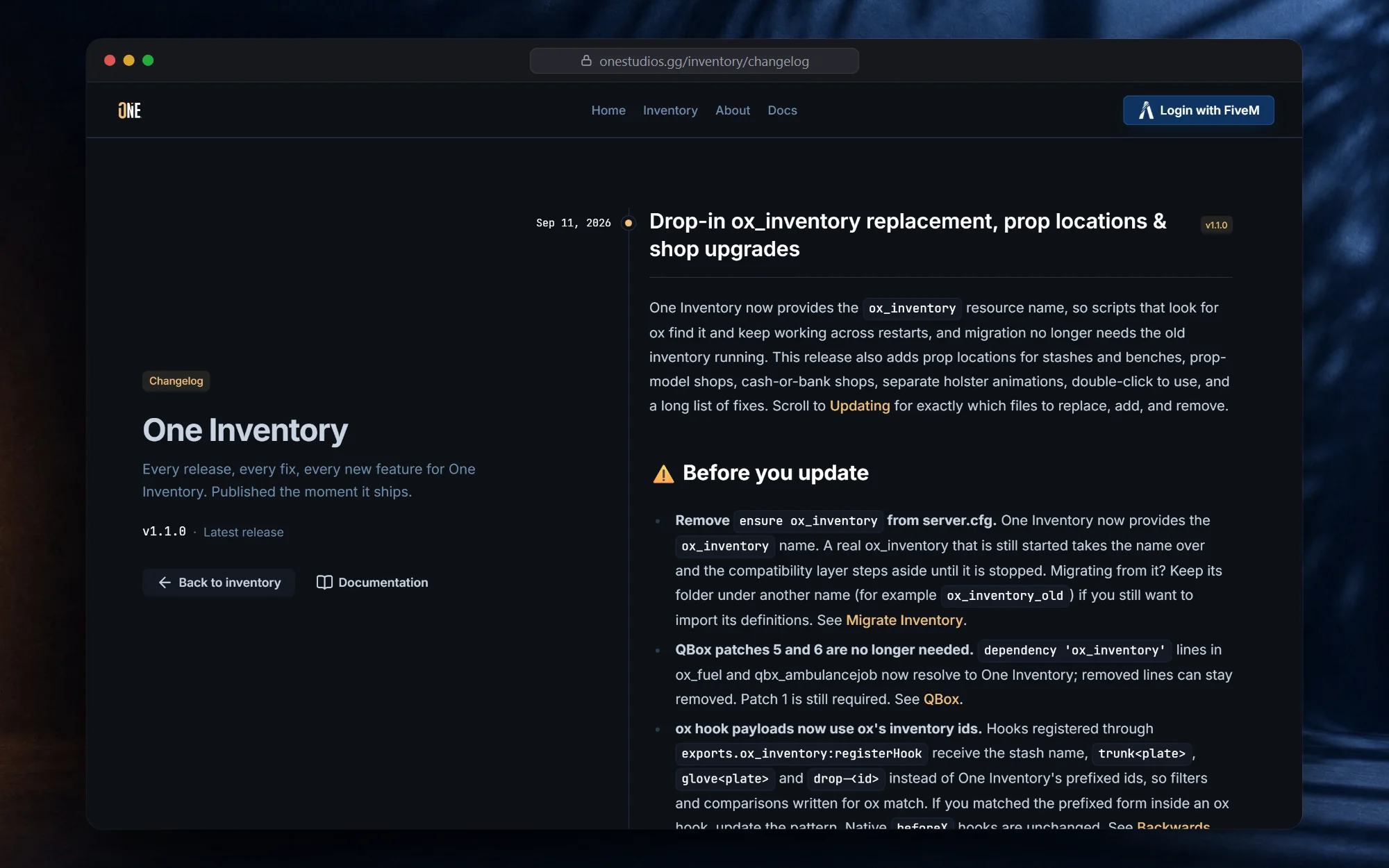
LiveThe documentation and release history of One Inventory, built into onestudios.gg: install guides for every framework, a full developer reference and a changelog that tells servers when they are out of date.
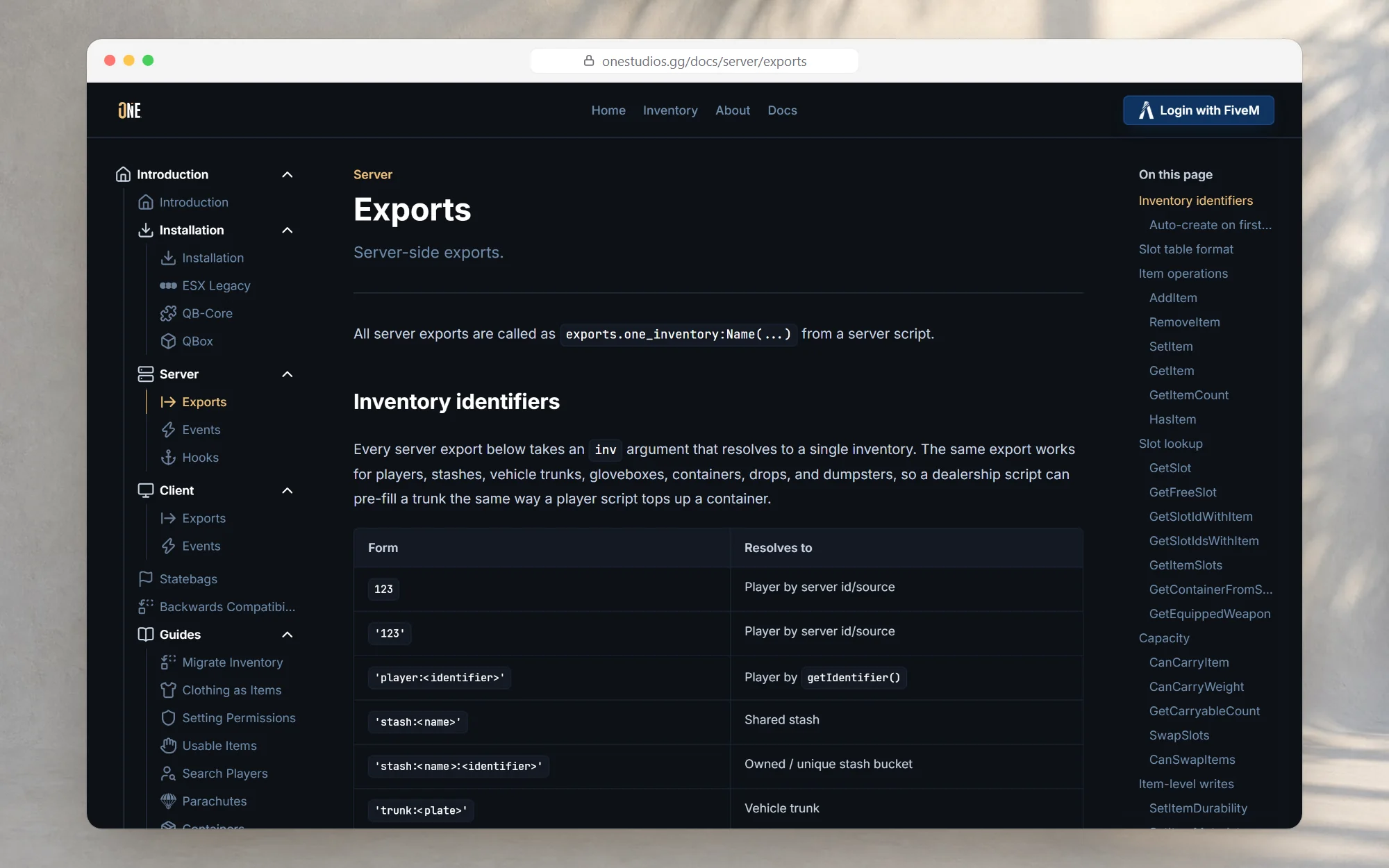
- Client
- Own product
- Year
- 2026
- Services
- Websites
- Status
- Live
- pages of documentation
- 20
- developer exports documented
- 80
- frameworks with step-by-step installs
- 3
The challenge
One Inventory replaces one of the most central systems on a roleplay server, and every server is built differently: other frameworks, other scripts, years of custom code. Owners need to know exactly how to install it on their setup, their developers need a reference to build on, and everyone needs to know what changed when an update lands. Without that, every question becomes a support ticket.
What we built
Documentation and a changelog built into onestudios.gg itself, in the same design and with the same account and basket, so customers never have to leave the store to find an answer.
Every page has its own title, description and share image for search engines and social media, and the whole documentation is part of the store's sitemap, so answers are found in Google too.
The result
Server owners install and update One Inventory on their own, their developers build on a complete reference, and every server hears about a new version the moment it starts. It is a website in the truest sense: built to inform, so support can spend its time on the questions that really need a person. The store around it is a case of its own: One Studios.
Need something in this direction?
Tell us about your project and you get a reply within 24-48 hours, with a fixed quote after a short intake.
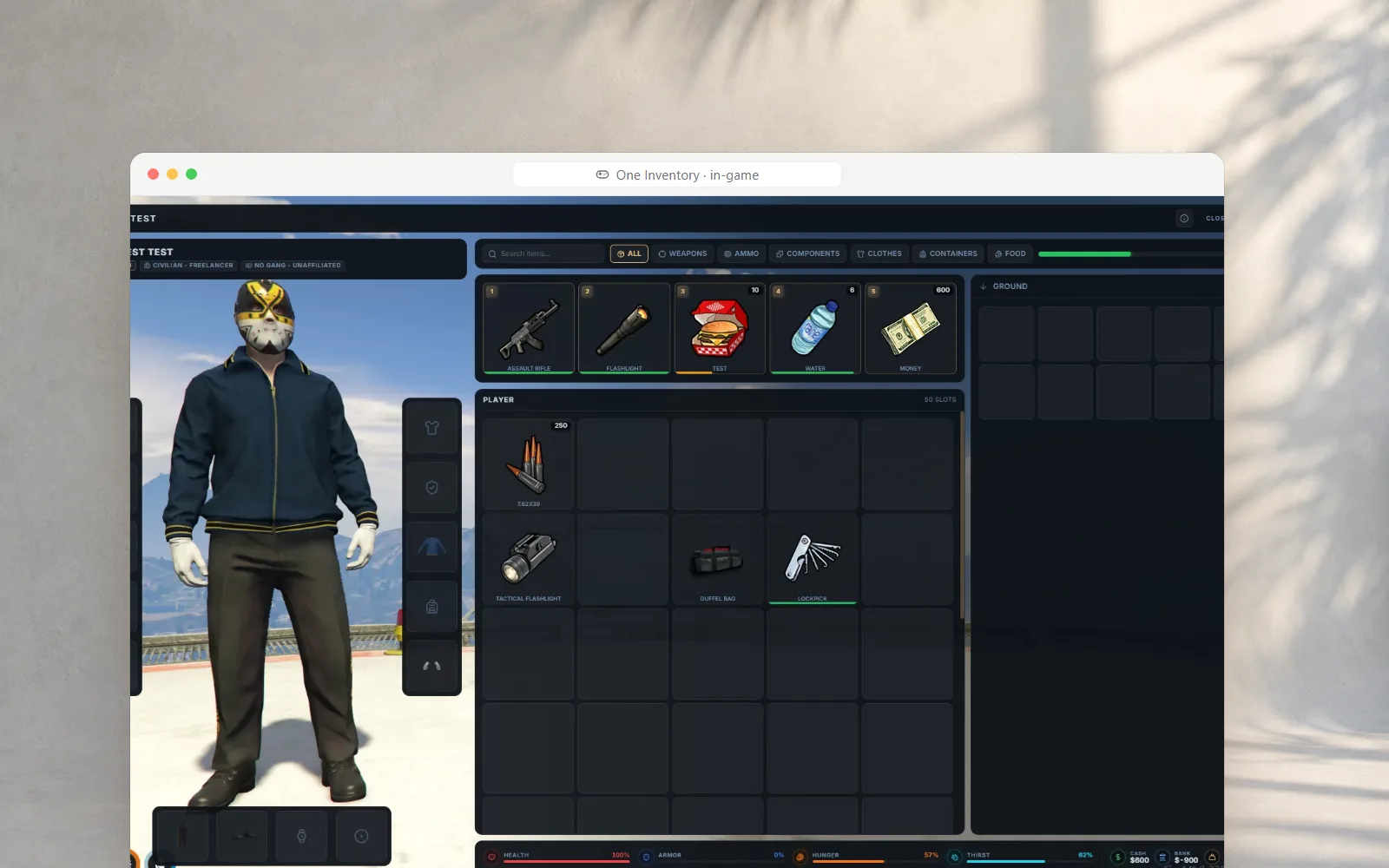
 FiveM ScriptOne InventoryThe FiveM inventory you set up in-game